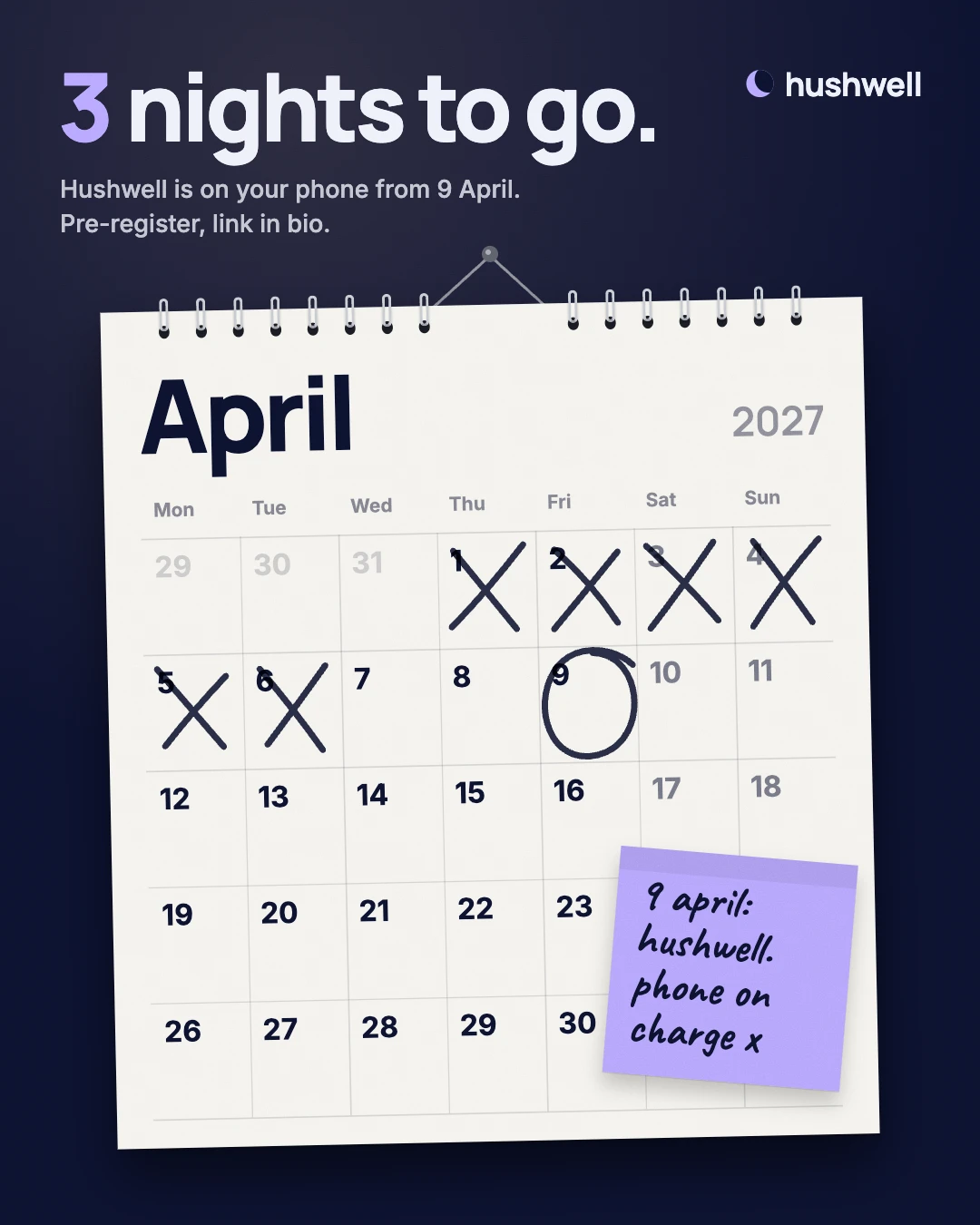
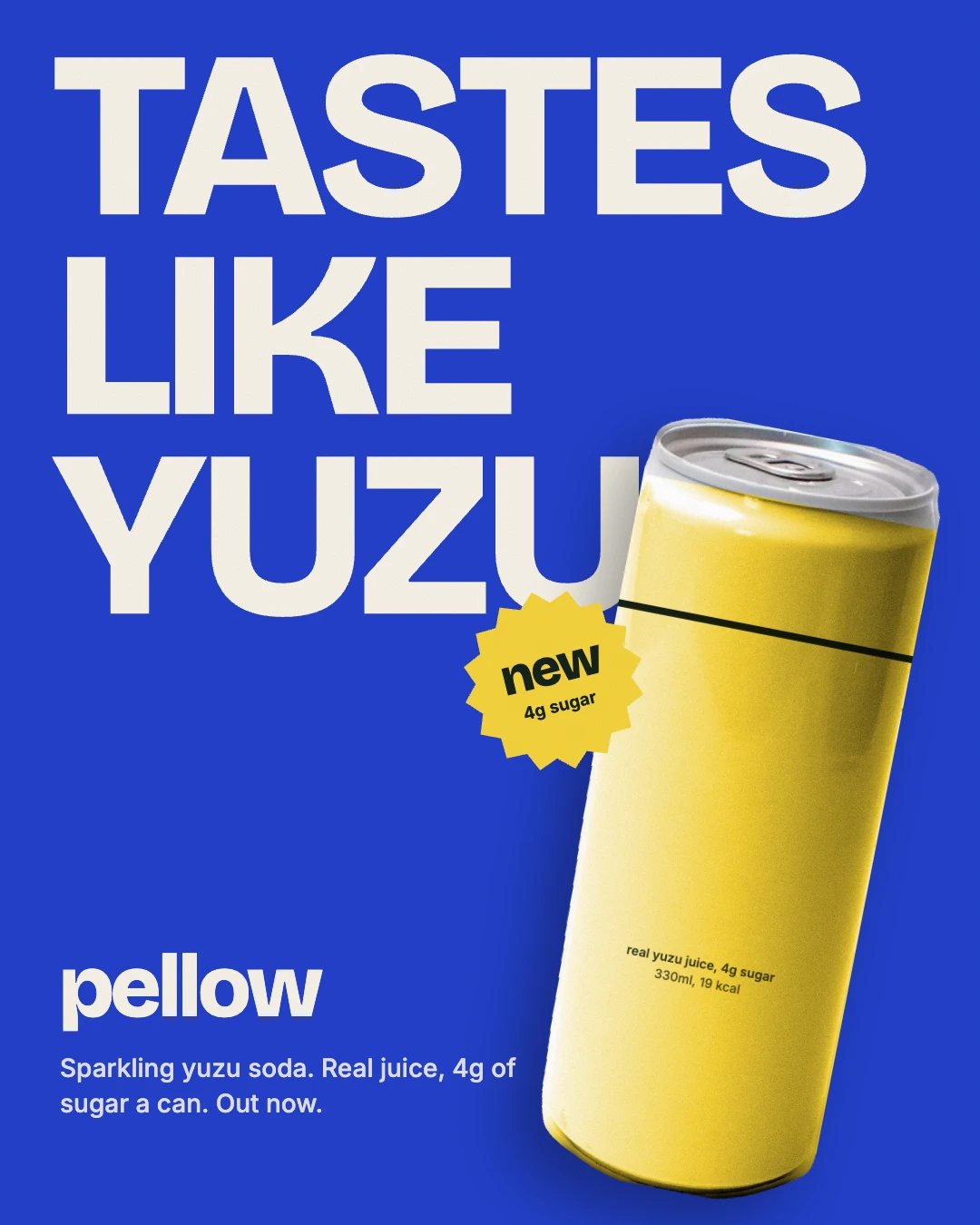
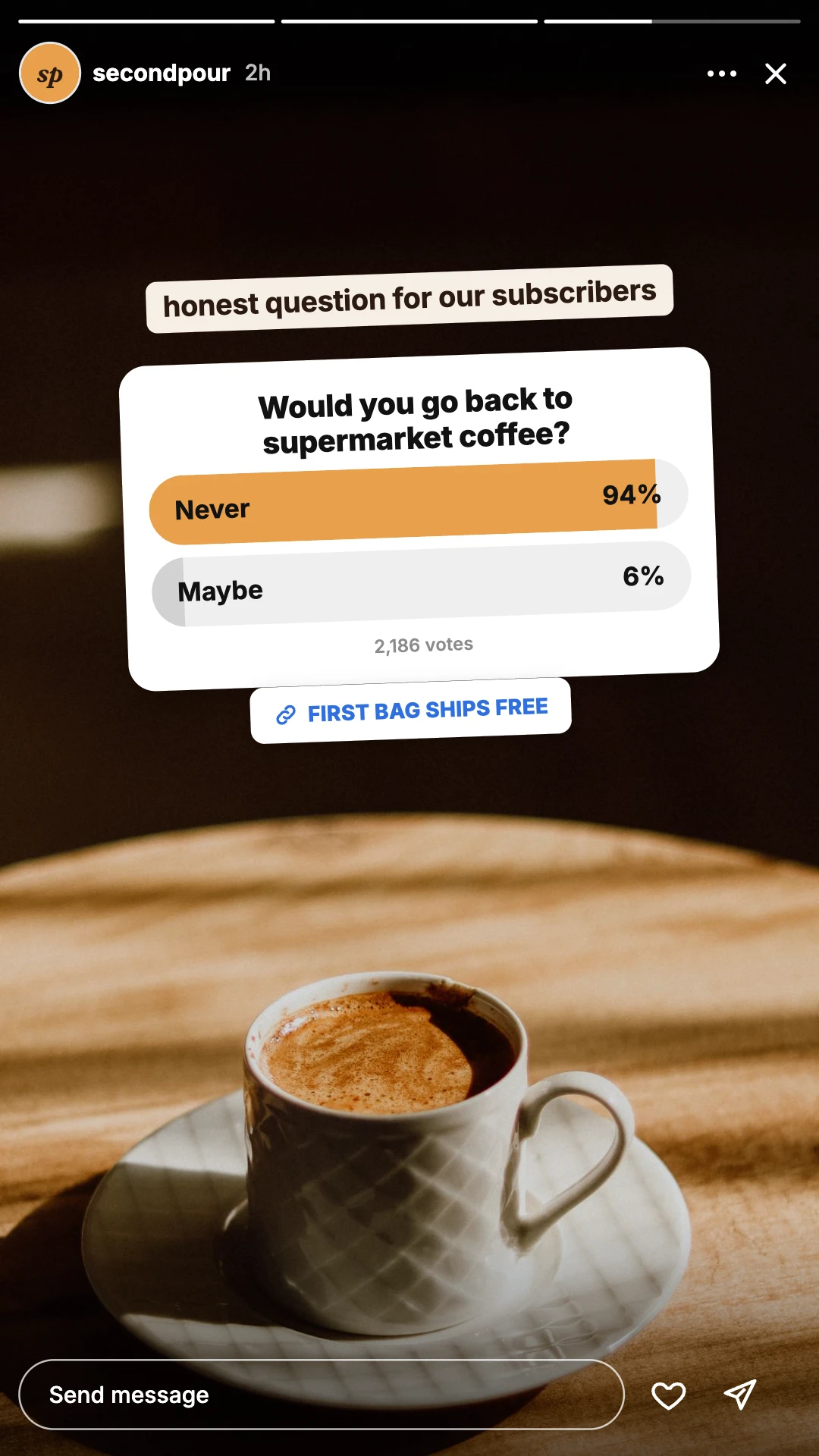
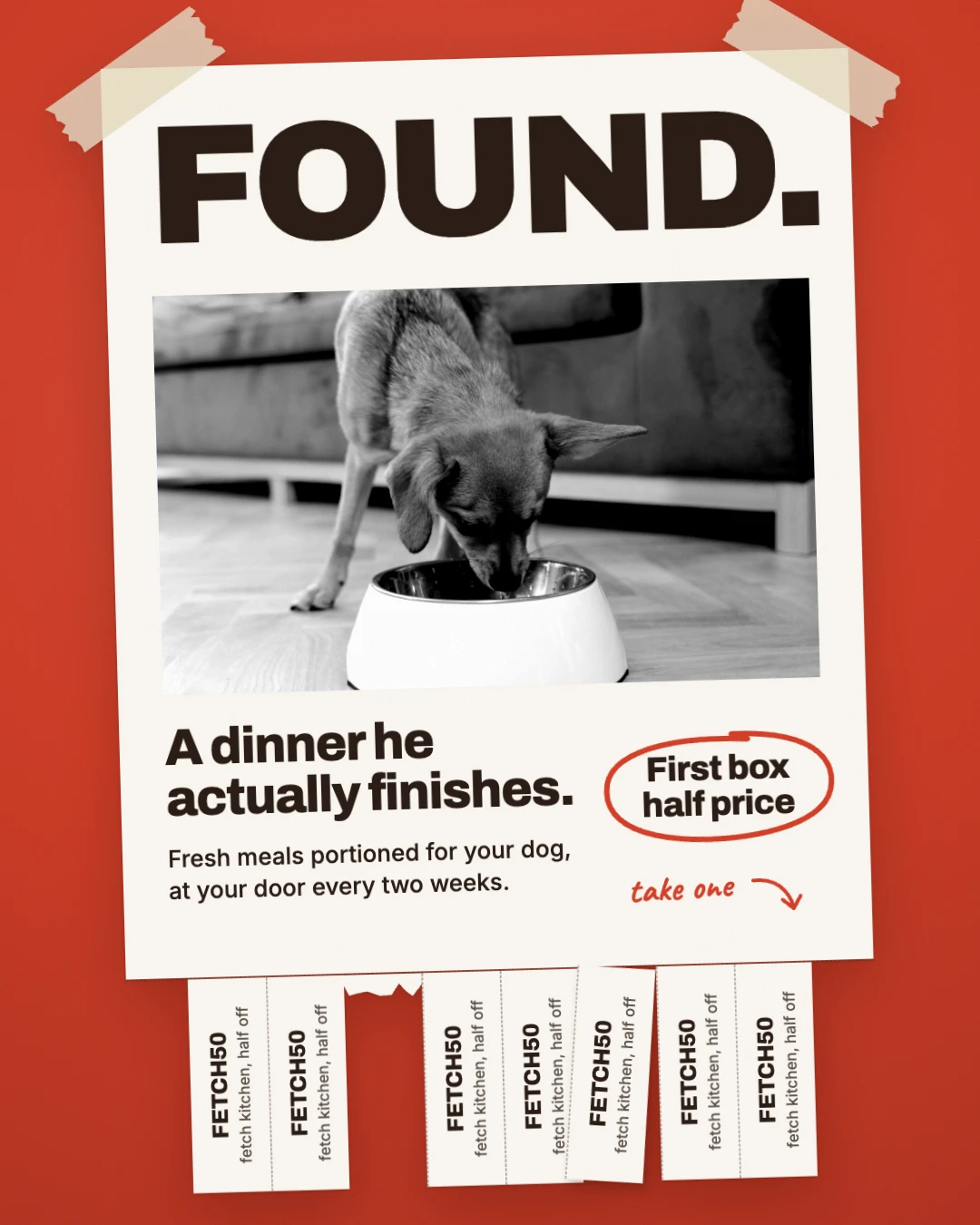
A launch runs on four emails.
Welcome, announcement, launch day and last call. Designed and coded by the studio, in five looks. Swap five colour codes and every email is yours.
Yours to keep and reuse.
20 HTML emails · five looks · 13‑page setup guide · 13‑page playbook
Four emails, each with one job
Your list is the warmest audience your launch has. One announcement reaches them once. Four emails reach them when they join, as the date gets close, on the morning, and before the offer ends.
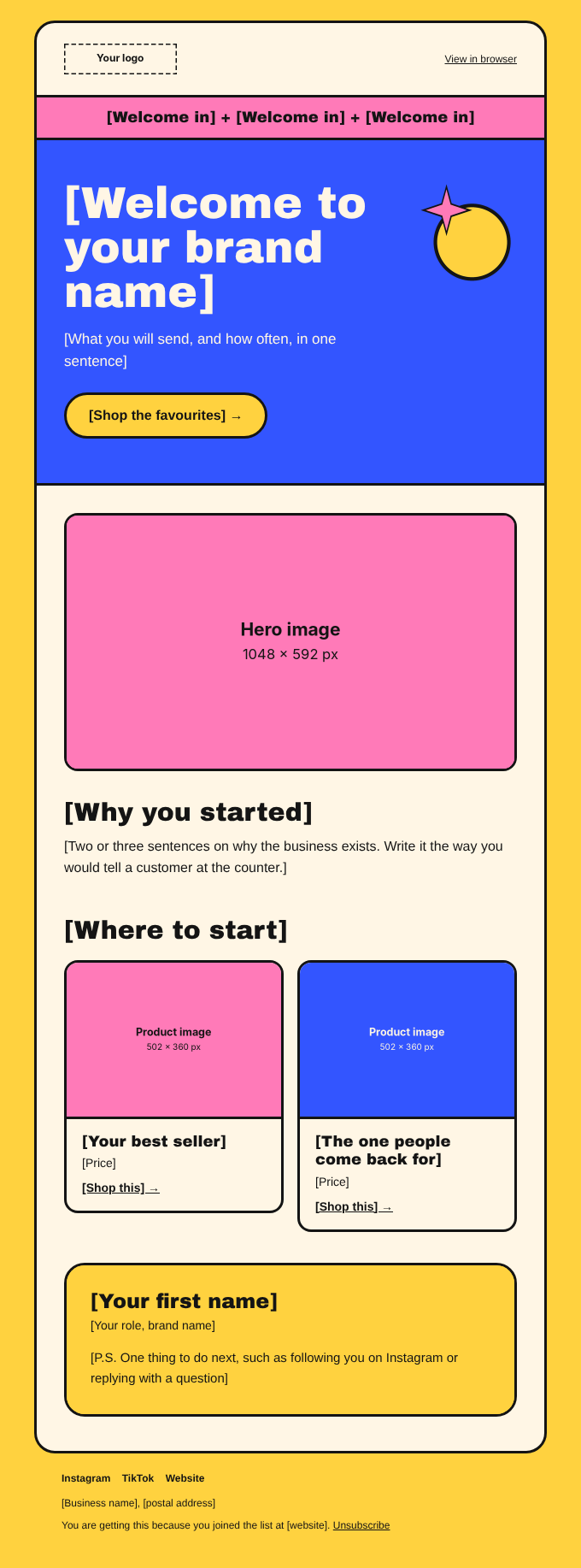
Says hello and shows new subscribers where to start.
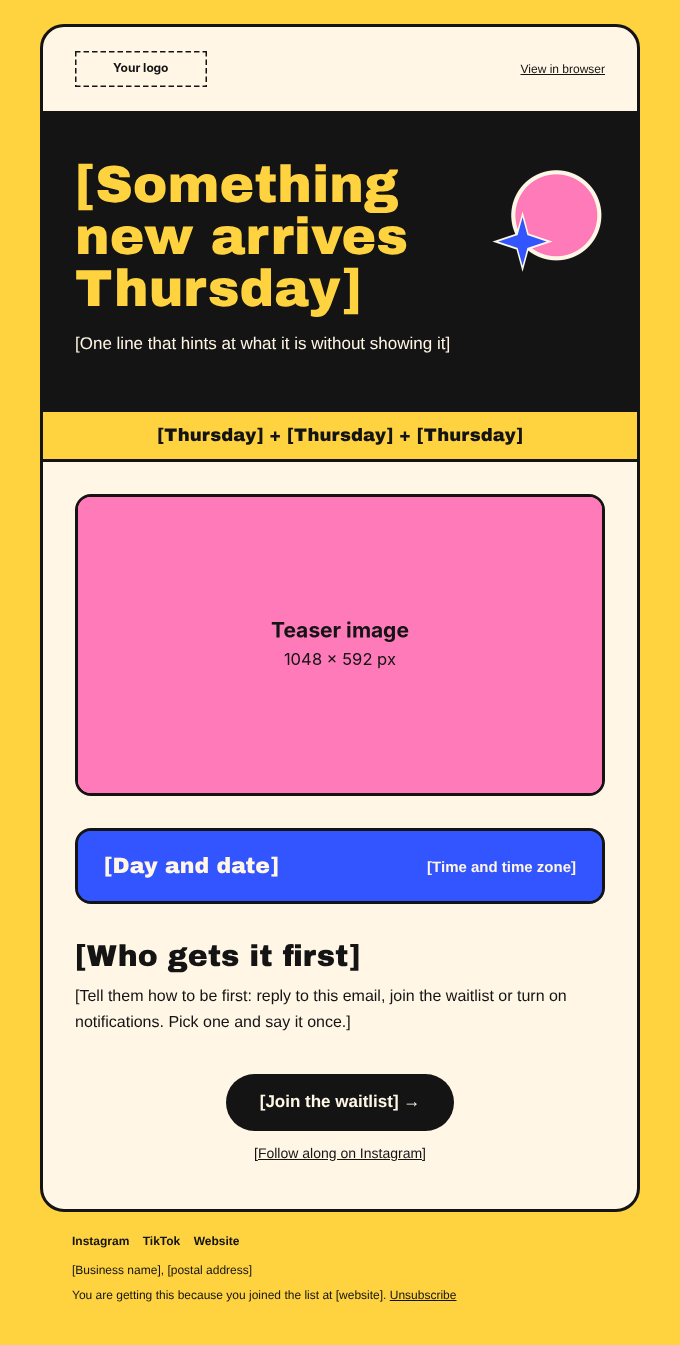
Names the day so it is in their diary before it goes live.
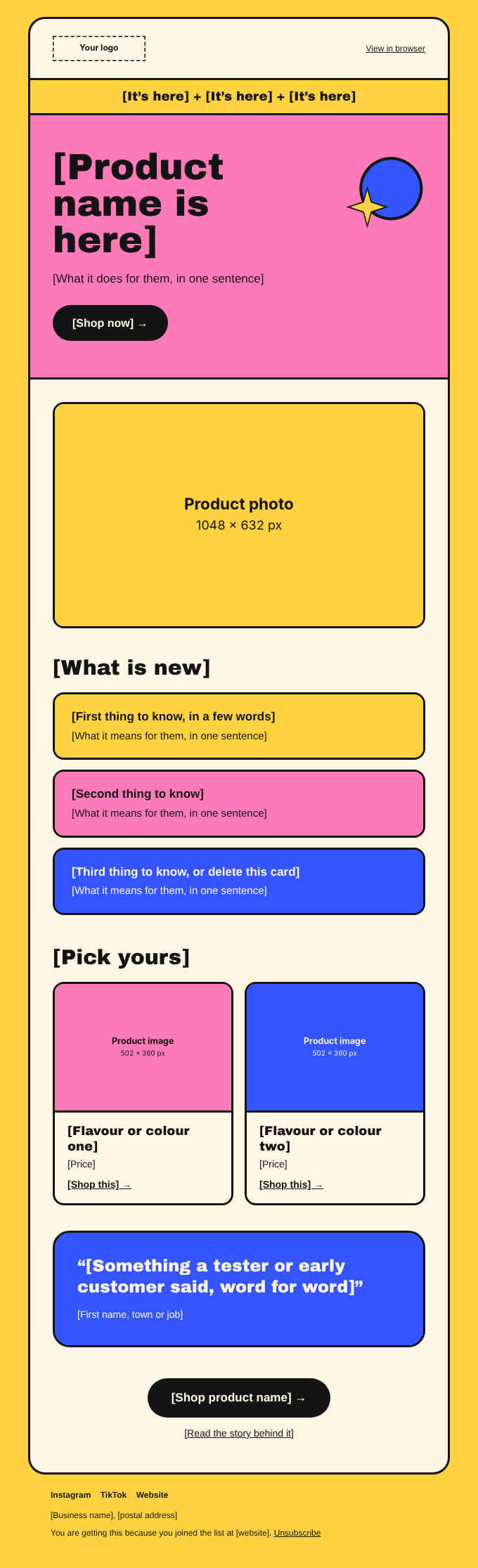
Shows the product and sends people straight to buy.
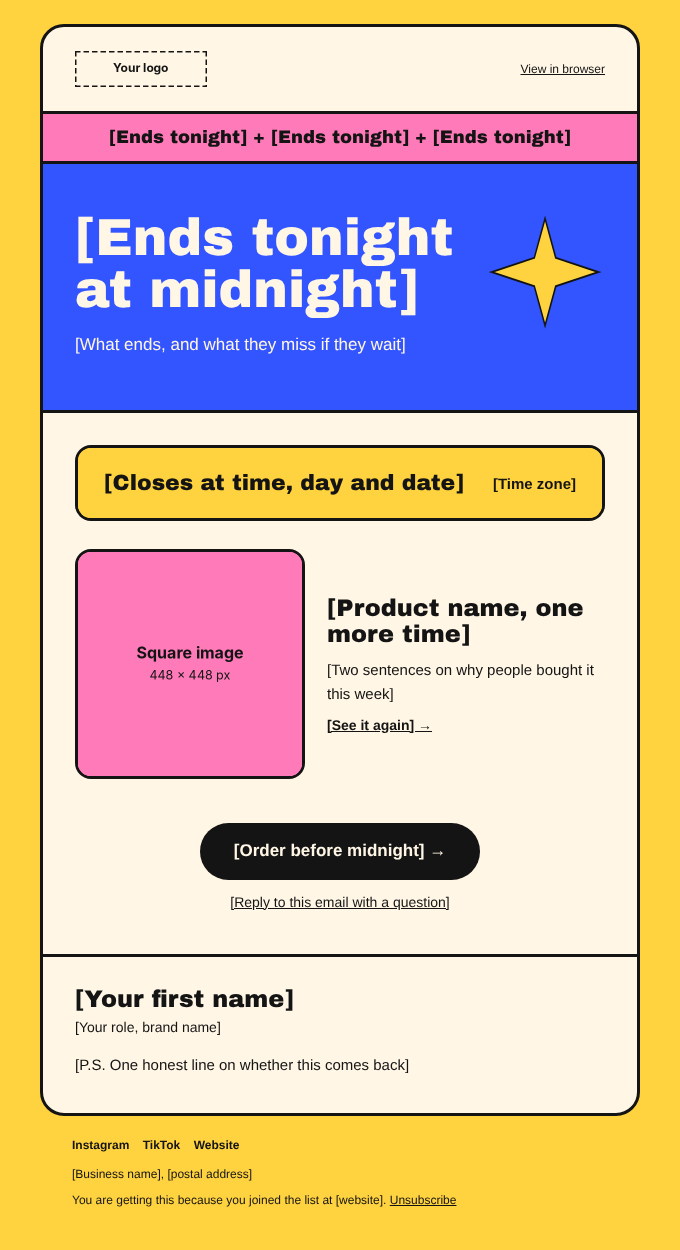
Gives a clear deadline and what they miss after it.
Pick the look that fits your brand
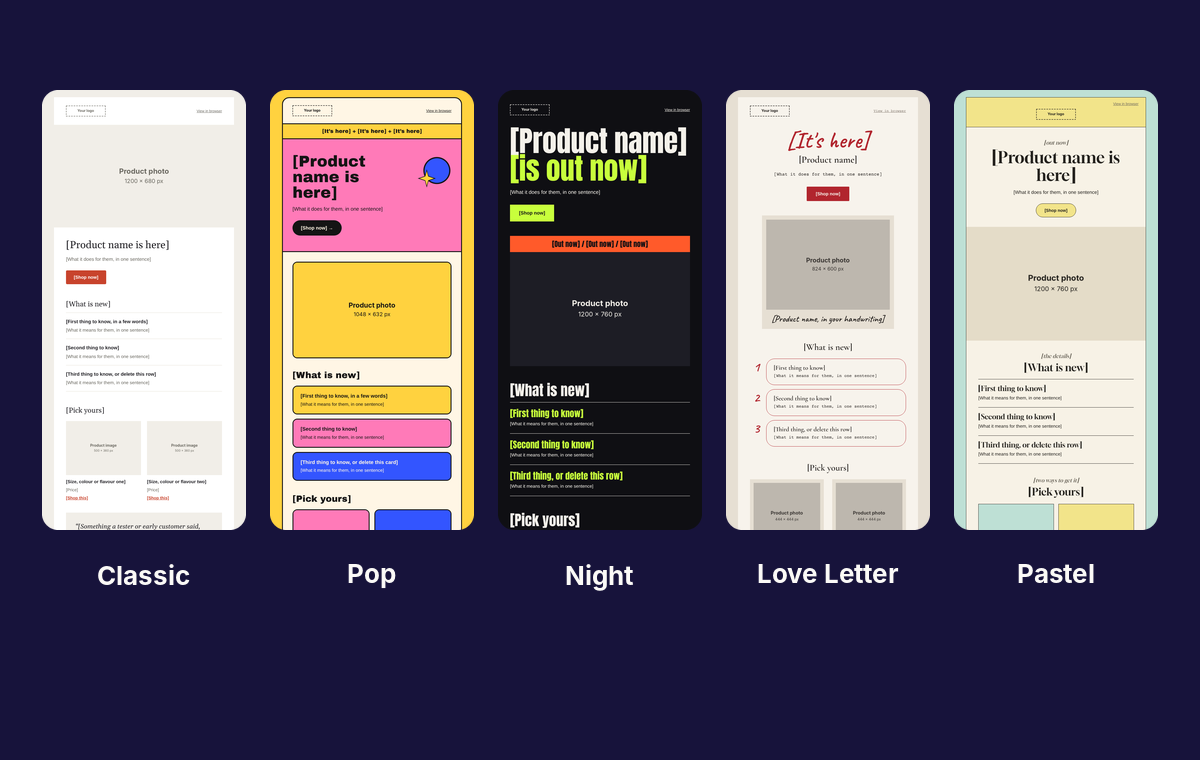
Every look carries the same four emails. Launch day shown here, one look per column.
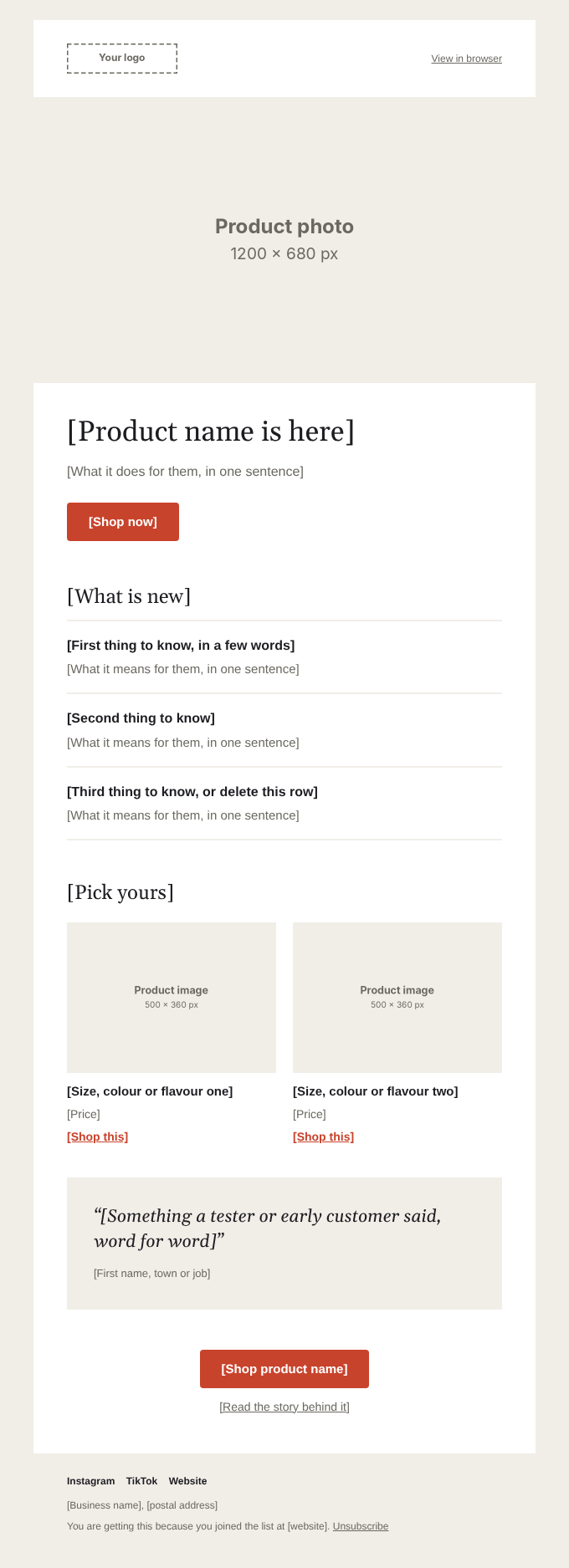
Classic
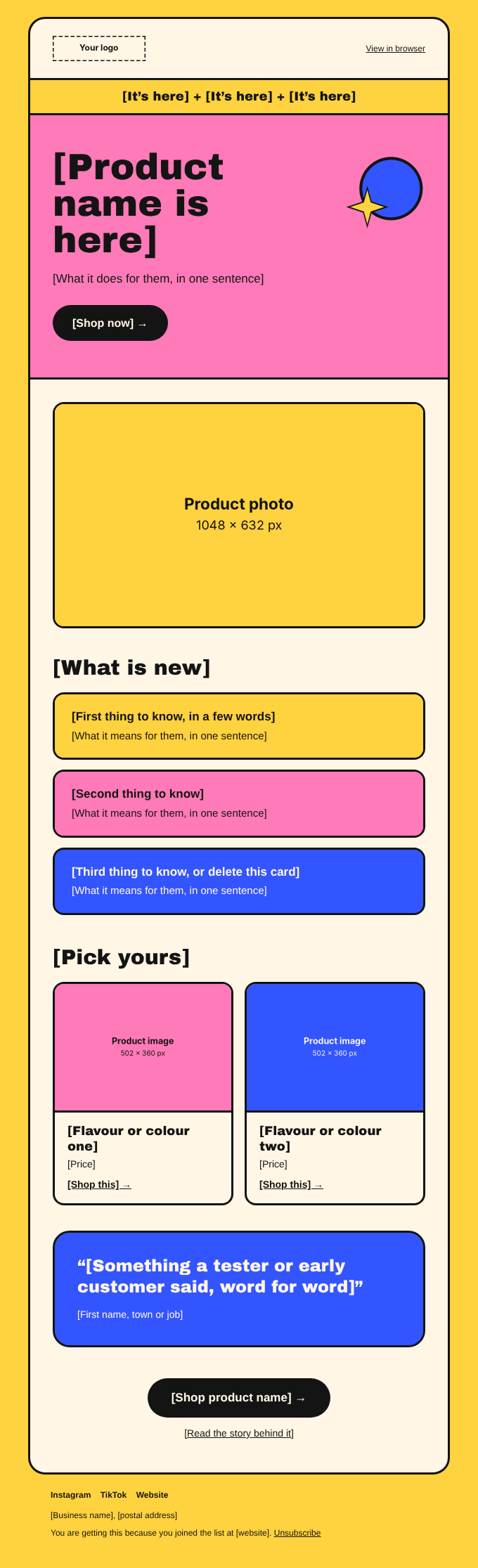
Pop
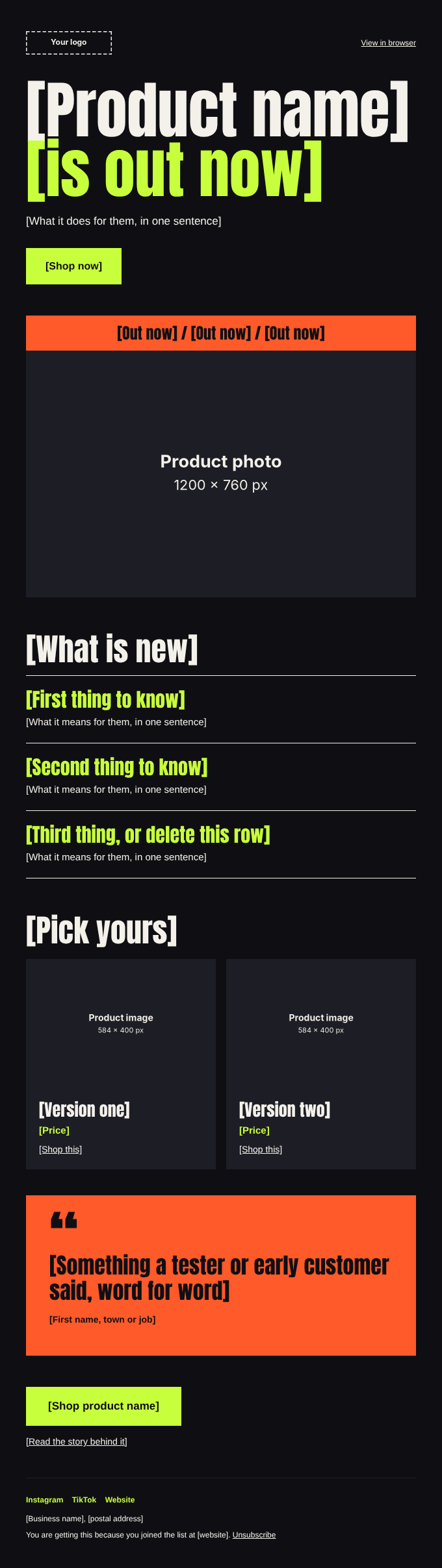
Night
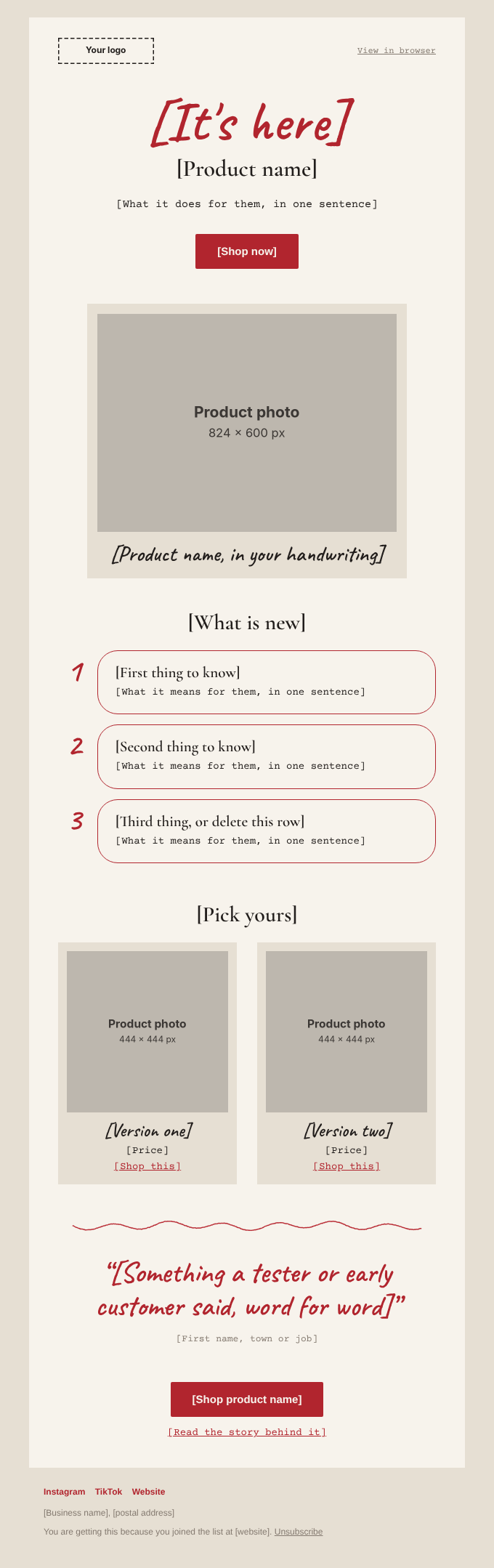
Love Letter
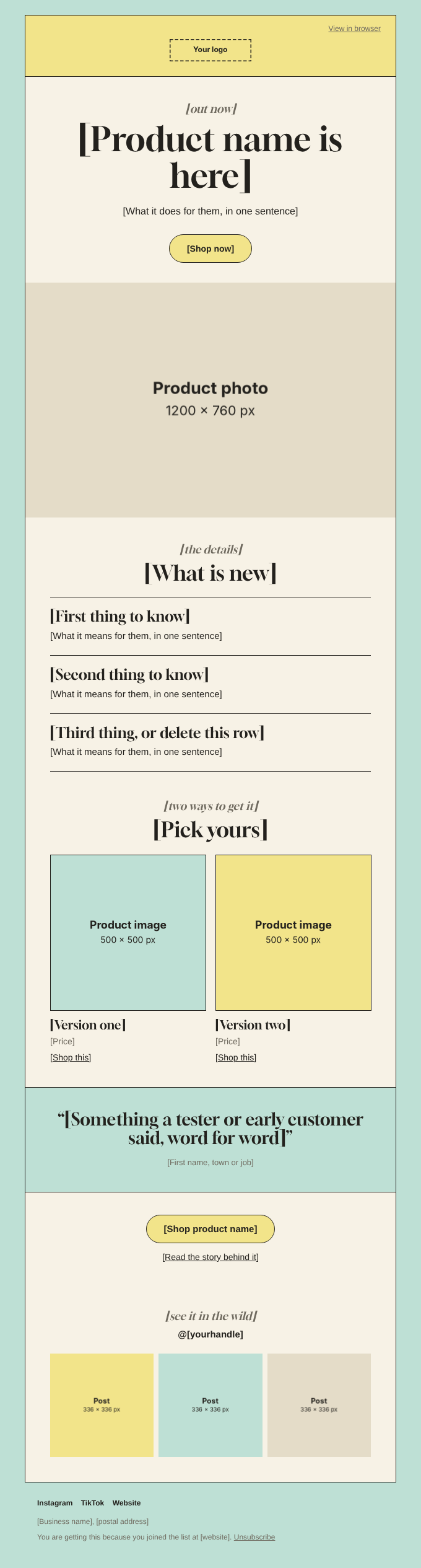
Pastel
Your brand in five find-and-replaces
Each look runs on five hex codes. Replace them across the folder and all four emails change together. Pick a brand to see it on the Love Letter launch day email.
| Role | Where | From → to |
|---|
THE PACK, IS LIVE
Twenty launch emails in five looks, ready for your colours.

Something a tester or early customer said, word for word.
One zip. Everything you need to send.
Pick a look, copy its folder for your launch, and start writing over the prompts. Every text slot tells you what to write and how long it should run.
20 HTML emails
Four types — welcome, announcement, launch day and last call — in five looks. A prompt in every slot and a subject line at the top of each file.
Placeholder images at the exact size
Export yours at the same size and name and they drop into place. Pop and Love Letter shapes come as SVGs you can recolour.
13 pages to set it up. 13 pages to send it well.
Live in an afternoon, in six steps
- 1Download and unzip. One folder per look, plus the two guides.
- 2Open a look in a free editor like VS Code. The guide points to the exact lines you touch.
- 3Swap five hex codes and type over the prompt in each text slot.
- 4Drop your images in at the sizes shown, keeping the same names.
- 5Paste into Klaviyo, Mailchimp or MailerLite, click by click.
- 6Send a test, then schedule. First email about 30 minutes, each one after about 10.
The thinking is already done
- The best send day and time for each of the four emails
- 20 subject lines with preview text, ready to paste
- All four emails written out in full for an example brand
- What to measure after a send, and what a good result looks like
Built for real inboxes. 600px tables, inline styles, one column on a phone, and a system font where Gmail or Outlook won't load a web font.
Set it up yourself, or hand it over
The emails are the same either way. What changes is who puts your brand on them.
Launch Email Pack
- 20 HTML emails in five looks
- The setup guide and the playbook
- Instant download through Gumroad
- Yours to keep, use for every launch
Needs Klaviyo, Mailchimp Standard or above, or MailerLite Advanced to import custom HTML.
Pack plus setup
- Everything in the pack
- Your colours, fonts, logo and photos in one look
- Your copy edited into all four emails
- Imported and test-sent from your account
- One round of changes
Delivered within five working days of getting your files. Pack owners get £49 off with the code in their download.
Focused launch
Not a template. Original work, made for your launch from scratch.
- A strategy call to scope the one launch moment that matters
- Design, copy and assets made for your brand, not edited from a file
- Built, tested and ready to publish, studio on it end to end
Scoped on the call. The pack and setup are the same templates for everyone. This is work made only for you.
The honest answers
Do I need to know how to code?
No. You change text, hex codes and image names inside the files, and the setup guide shows where each one lives. You'll need a code editor, and VS Code is free.
Which email platforms can import it?
Klaviyo, Mailchimp on Standard or above, and MailerLite on Advanced, each covered step by step. Other platforms that import custom HTML can take the files too.
Will it look right in Gmail and Outlook?
The emails use tables and inline styles, the way email apps expect. Gmail and Outlook show a system font in place of the web fonts. The guide has a checklist for your test send.
Can I use it for clients?
Yes, for emails you make for your own brand or for clients. You can't resell or share the template files.
Can I get a refund?
It's a digital download, so sales are final once the files are downloaded. If something in the pack is broken, email me at hello@vibeshiftstudio.com and I'll fix it.
What if I want it done for me?
Take the Pack plus setup tier and I put your brand and copy into one look, then import and test-send it from your account. Capped at four at a time.
Four launch emails for £49.
Five looks, a setup guide and a playbook. Instant download.
Swap five colour codes and it's yours. Keep it for every launch you ever run.
Launch Library: the posts that go out around your emails
100 ad and social layouts sorted by launch stage, as Figma files and a Claude Skill. The waitlist sees it first, at a lower price.
Tease · Countdown · Reveal · Explain · Proof · Offer · Last chance · After launch
You're on the list. I'll email you the moment it's ready.